
Blog
Date Difference Calculator: Business Days Only [free]
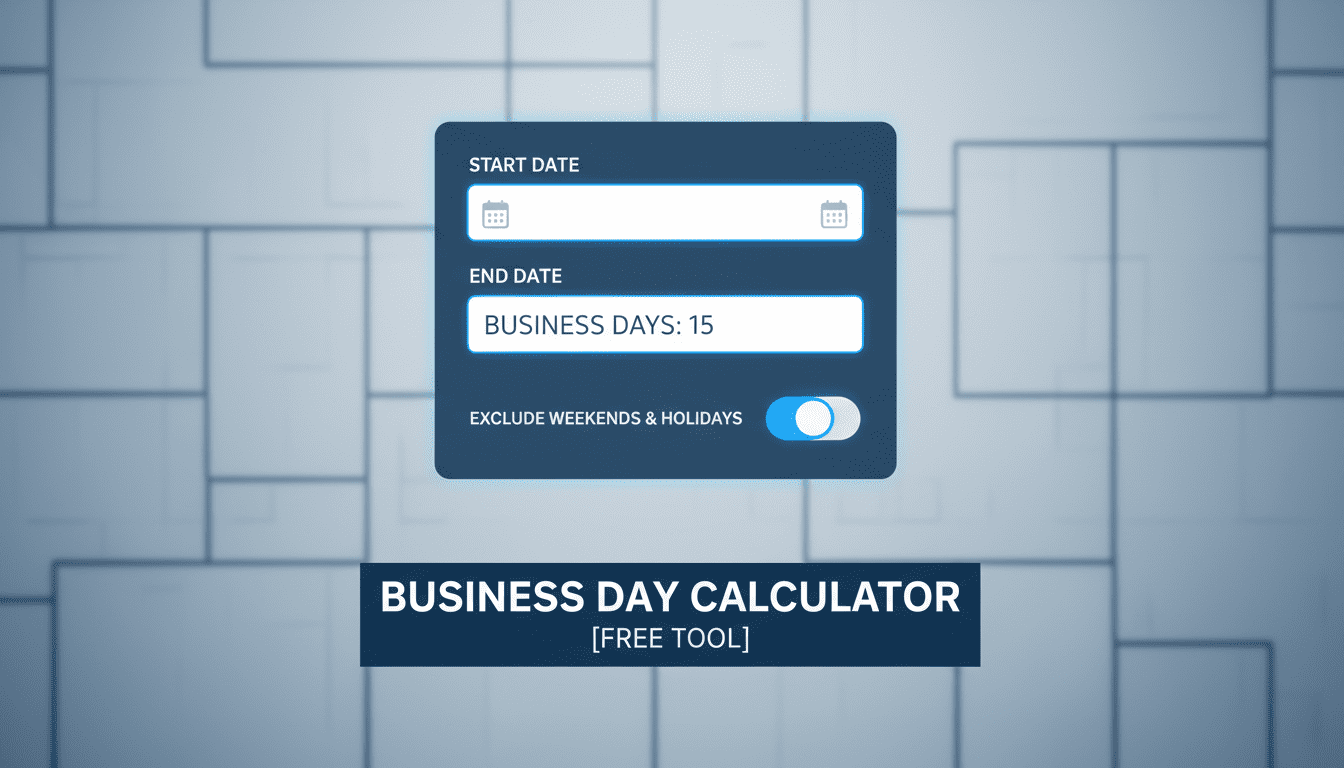
Business Days Calculator
In the high-velocity environment of modern enterprise, time is not merely a sequence of hours; it is the fundamental currency of strategic execution. For founders, executives, and project managers, the standard Gregorian calendar often presents a deceptive simplicity. It fails to account for the operational reality of the corporate world: the business week. Relying on standard calendar days for forecasting, payroll, or supply chain logistics introduces a margin of error that can compound into significant financial latency and missed deliverables.
The Date Difference Calculator: Business Days Only provided above is engineered to bridge the gap between calendar time and operational capacity. By stripping away weekends, it offers a granular view of the actual time available for execution. Whether you are calculating the runway for a critical product launch, determining the precise accrual of interest, or managing complex HR compliance, this tool ensures your data reflects the reality of your workforce's availability.
The Strategic Imperative of Business Day Calculation
Why does the distinction between calendar days and business days matter so profoundly? In a standard 30-day month, there are typically only 20 to 22 actual working days. This represents a variance of nearly 30% between perceived time and actionable time. For a senior executive, misinterpreting this variance can lead to "timeline drift," a phenomenon where project milestones slip because capacity was overestimated based on a 7-day week model rather than a 5-day execution model.
Accurate date difference calculation is the bedrock of several critical business functions:
- Resource Leveling: Ensuring that engineering or marketing hours are allocated against days where staff are actually present.
- Financial Forecasting: Interest on short-term loans and invoice payment terms (e.g., Net 30) often hinge on specific definitions of "days."
- SLA Compliance: Service Level Agreements frequently stipulate resolution times in business days. Failing to exclude weekends can result in false breaches of contract.
Before diving deeper into the mechanics of date calculation, it is worth noting that this logic applies broadly across financial planning. Just as you would use a business tax calculator to determine your fiscal liability based on net profit rather than gross revenue, you must calculate timelines based on net working days rather than gross calendar duration.
Operational Applications in Project Management
Project management methodologies, from Waterfall to Agile, rely heavily on the accuracy of the "Critical Path." The Critical Path Method (CPM) calculates the longest path of planned activities to logical end points or to the end of the project, and the earliest and latest that each activity can start and finish without making the project longer. This entire mathematical model collapses if the input data includes non-working days.
Sprint Planning and Velocity
In Agile frameworks, velocity is calculated based on the amount of work a team can complete in a sprint. If a sprint is defined as "two weeks," it is imperative to recognize this as 10 business days. If a public holiday falls within that window, the capacity drops to 9 days—a 10% reduction in available output. Using the calculator above allows Scrum Masters and Product Owners to instantly verify the exact number of working days between sprint start and end dates, allowing for precise capacity planning.
Gantt Chart Integrity
When constructing Gantt charts for stakeholders, visual representation of time is key. However, the underlying data must be robust. A task estimated to take "5 days" starting on a Friday does not finish on Tuesday; it finishes on the following Thursday (assuming a standard Mon-Fri work week). Manually calculating these shifts across a project with hundreds of dependencies is prone to human error. Automation via a reliable calculator mitigates this risk.
Furthermore, for contractors billing by the hour or day, the distinction is financial. A time card calculator is essential for retrospective billing, but for prospective budgeting, knowing the exact count of billable days in a future period is equally vital for cash flow management.
Financial Implications: Interest and Liquidity
In the realm of corporate finance, the "Day Count Convention" is a vital concept used to calculate the amount of accrued interest or the present value of a security. Different markets use different conventions (e.g., Actual/360, 30/360). However, for internal liquidity planning, the focus is often on "banking days."
When moving large sums of capital, the settlement date is paramount. Funds initiated on a Friday might not settle until Tuesday depending on banking holidays. Understanding the exact number of business days between a transaction initiation and its settlement prevents liquidity crunches. This is particularly relevant when utilizing tools like a finance calculator to project returns on short-term investments where every day of interest accrual counts.
Invoice Aging and DSO
Days Sales Outstanding (DSO) is a measure of the average number of days that it takes a company to collect payment after a sale has been made. While DSO is often calculated using calendar days, the collection process happens on business days. If an invoice is due in "30 days," and the 30th day falls on a Sunday, the legal due date often shifts to the next business day. This subtle shift affects cash flow forecasts and working capital requirements.
Global Considerations: The Non-Standard Workweek
In an increasingly globalized economy, the definition of "Business Days" is not uniform. While the calculator above assumes a standard Monday-through-Friday workweek, executives managing international teams must be cognizant of regional variations.
- Middle East: Many countries operate on a Sunday-to-Thursday or Monday-to-Thursday (plus half-day Friday) schedule.
- Israel: The workweek is typically Sunday through Thursday.
- China: The "Golden Week" holidays can remove 5-7 consecutive business days from the calendar, halting supply chains entirely.
When coordinating with international branches—perhaps while using a tax calculator london to estimate UK-specific liabilities—it is crucial to remember that a "business day" in London (which observes Bank Holidays) may not align with a business day in New York or Tokyo. Advanced planning requires cross-referencing the output of this calculator with regional holiday calendars.
The Mathematics of Date Differences
For the analytically inclined, understanding the math behind the tool provides confidence in the data. The calculation is not a simple subtraction. It involves modular arithmetic.
To calculate business days manually:
- Determine the Total Span: Subtract the Start Date from the End Date to get total calendar days. You might use an online scientific calculator for complex date math involving timestamps, but simple subtraction works for dates.
- Calculate Full Weeks: Divide the total days by 7. The integer result represents the number of full weekends (2 days each) to subtract.
- Handle the Remainder: The remainder days must be checked individually to see if they fall on a Saturday or Sunday.
- Adjust for Start Day: If the start date itself is a weekend, the counting logic must shift to the first available Monday.
While this manual process is valid, it is slow and error-prone. The JavaScript logic embedded in our tool automates this loop, checking every single date in the range to ensure absolute precision, regardless of leap years or month lengths.
Supply Chain and Logistics Optimization
In logistics, "Lead Time" is rarely quoted in calendar days. A supplier quoting a "10-day lead time" almost invariably means 10 business days. Misinterpreting this as calendar days can result in inventory stockouts.
For example, if you place an order on Friday the 1st, and the lead time is 10 days, a calendar-based assumption might expect delivery on Monday the 11th. However, a business-day calculation (excluding two weekends) places the delivery on Friday the 15th. That four-day discrepancy can halt a production line. By using a dedicated date calculator, procurement managers can align their safety stock levels with reality.
This precision also aids in data transformation tasks. When migrating legacy supply chain data, you might need to convert varying date formats or durations. A conversion calculator handles units, but date logic requires the specific temporal awareness provided by this business days tool.
Legal and HR Compliance
Human Resources departments live and die by dates. Probation periods, notice periods, and leave entitlements are strictly regulated. In many jurisdictions, a "notice period" is defined in working days, not calendar days.
If an employee resigns and is required to give 10 days of notice, and they resign on a Friday, the clock doesn't simply run for 10 days. The weekends do not count toward the notice in many contracts. Using this calculator ensures that the exit date is legally compliant, protecting the company from wrongful termination suits or payroll disputes. This level of detail complements general HR tools, such as a date calculator used for tracking tenure or anniversaries.
Frequently Asked Questions (FAQ)
Does this calculator account for public holidays?
The tool above calculates business days based on a standard Monday-to-Friday workweek, excluding Saturdays and Sundays. It does not automatically deduct public holidays (such as Christmas, Thanksgiving, or Bank Holidays) as these vary by country, state, and even industry. For precise planning, calculate the business days using the tool and then manually subtract the specific holidays relevant to your region.
Is the End Date included in the count?
This calculator follows the standard programming and project management convention of calculating the difference or duration between dates. It counts the number of business days between the start and end date. If you need to include the final day as a working day (e.g., for inclusive leave calculation), you should generally add +1 to the result, provided the end date is not a weekend.
How does this handle Leap Years?
The calculator utilizes the native JavaScript `Date` object, which is fully aware of the Gregorian calendar rules, including leap years. If your date range crosses February 29th in a leap year, it will be accurately accounted for in the total day count and the business day check.
Can I use this for payroll calculation?
Yes, this is an excellent tool for verifying the number of billable or payable days in a pay period. However, for calculating the actual monetary value of those days, including tax withholdings and deductions, you should use a specialized financial tool. For example, if you are managing contractors, this tool gives you the hours/days, while a business tax calculator helps you estimate the fiscal impact of those payments.
Why do I get an error when entering dates?
The calculator includes validation logic to ensure data integrity. Common errors include entering a Start Date that is later than the End Date, or failing to select a value for both fields. Ensure your timeline is chronological. If you are trying to calculate a past date (e.g., "what was 10 business days ago?"), you would need a "Date +/- Days" calculator, whereas this tool is designed to measure the span between two fixed points in time.
Conclusion
In the architecture of business success, precision is the cornerstone. The difference between a project delivered on time and one that suffers from costly delays often comes down to the accuracy of the initial plan. By utilizing a Date Difference Calculator: Business Days Only, you remove the ambiguity of the calendar and gain a clear, actionable view of your temporal resources.
From the granular details of sprint planning to the macro-level strategy of supply chain management and financial forecasting, distinguishing between "days" and "business days" is a hallmark of professional maturity. Use this tool to tighten your schedules, validate your invoices, and ensure your team is aligned on realistic deadlines. In a world where speed is a competitive advantage, accuracy is the control mechanism that keeps you on track.
